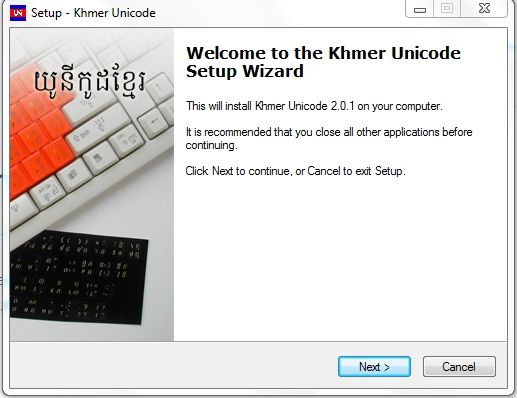
KhmerOS Khmer Unicode Installer

This program must be installed in order to enable Khmer Unicode on your computer. It also comes with some basic Khmer fonts. Khmer Unicode allows Khmer to be written according to how it is pronounced rather than according to letter order. You can install the fonts and files needed to use Khmer Unicode downloading the installer.

Our guide for installing Khmer Unicode onto Windows XP: click here
Our guide for installing Khmer Unicode onto Windows 7: click here

In order to use Khmer Unicode in Windows XP you need to have an updated version of usp10.dll In order to get this you can download this file and then unzip it and then unzip the file called usp.cab after which you will see a compatible usp10.dll to point the Khmer Unicode Installer to when it prompts for it. After installing Khmer Unicode, enable complex script support in Windows XP by going to: Control Panel: Regional and Language Options: Click the Languages tab: check the “Install files for complex script…” for FAQ on installation issues from the Khmer OS web site click here

8 thoughts on “KhmerOS Khmer Unicode Installer

Leave a Reply

Your email address will not be published. Required fields are marked *

*

You may use these HTML tags and attributes:
<a href="" title=""> <abbr title=""> <acronym title=""> <b> <blockquote cite=""> <cite> <code> <del datetime=""> <em> <i> <q cite=""> <strike> <strong>