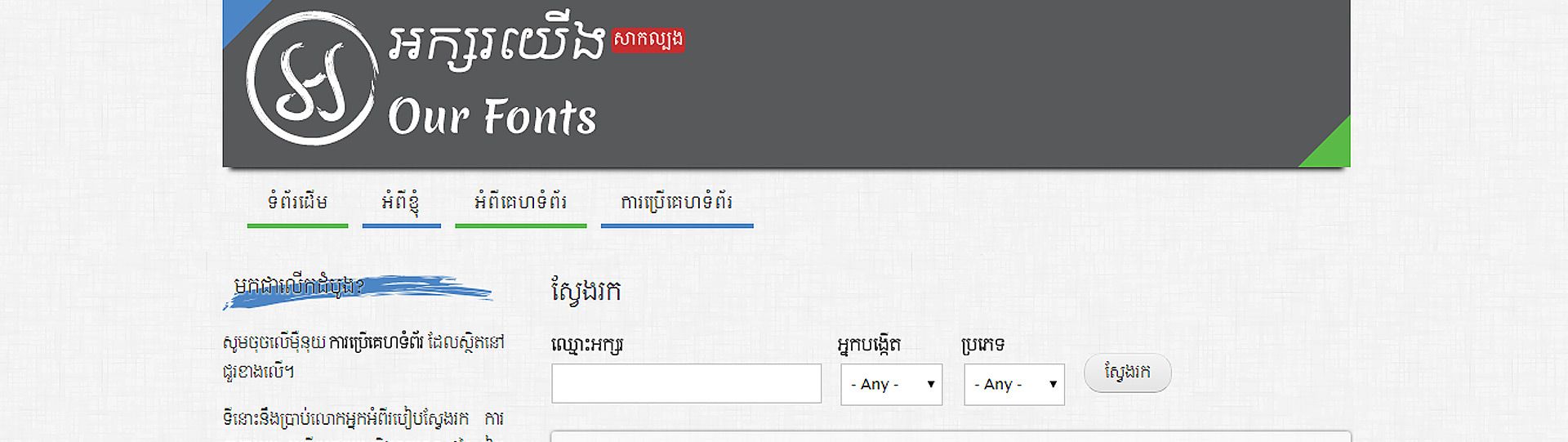
Check out “អក្សរយើង” (Our Fonts) a website dedicated to Khmer Unicode Fonts. A very good place to find new fonts and see how they look before you install them.
VISIT: “អក្សរយើង” (Our Fonts)
Check out “អក្សរយើង” (Our Fonts) a website dedicated to Khmer Unicode Fonts. A very good place to find new fonts and see how they look before you install them.
VISIT: “អក្សរយើង” (Our Fonts)
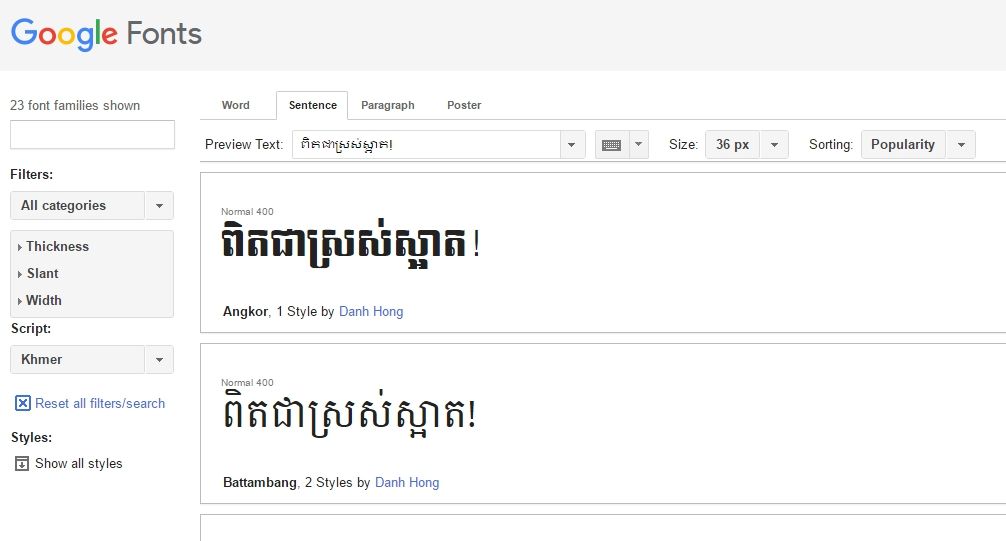
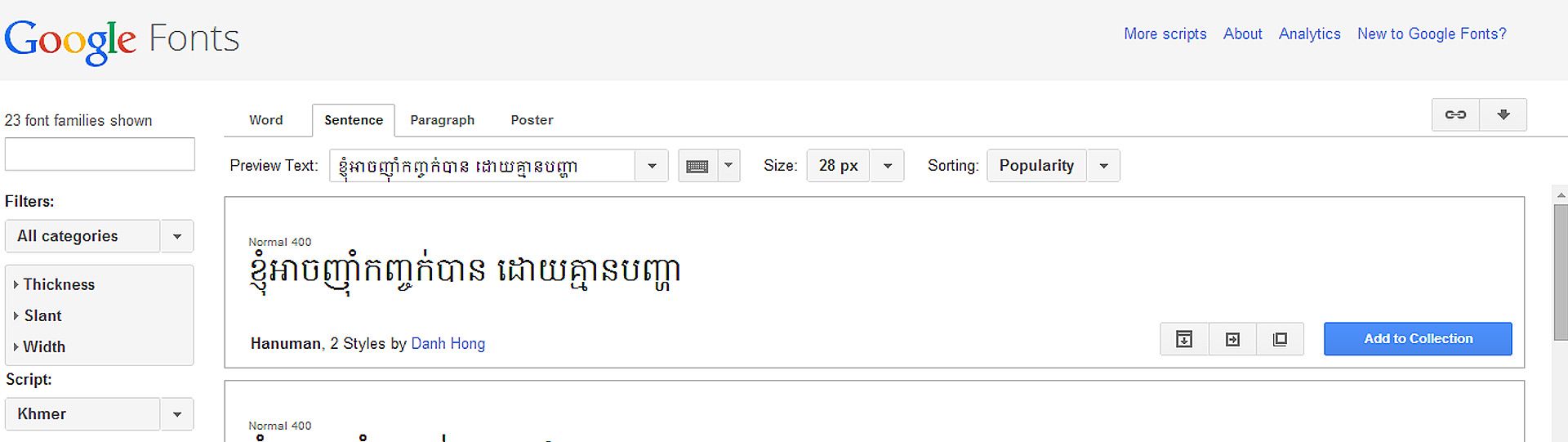
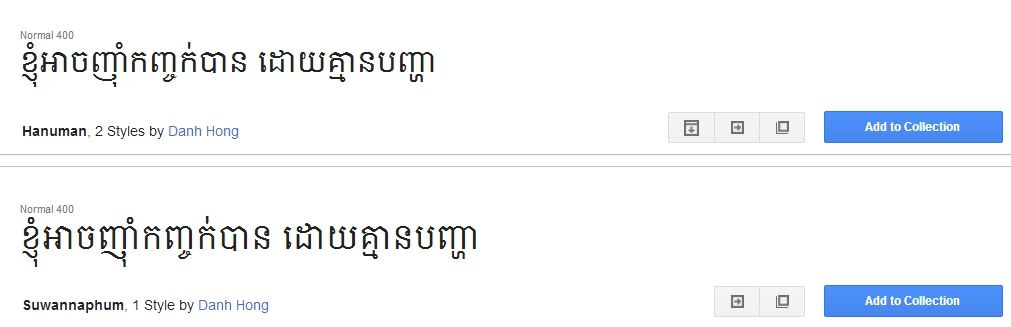
One of the issues in the past for using Khmer Unicode on a website was you never knew which fonts the end-user had. If they just have the default fonts from Microsoft, they won’t really be able to read your site at all. Now there is a solution – the Google Web Font API with Khmer fonts thanks to Danh Hong! If you have a website that uses Khmer Unicode you are going to want to check this out:
One of the issues with the current Khmer Unicode fonts is the English characters included do not look good (and this is understandable as they were not meant to be used as English fonts). But for some, we use both English and Khmer, in certain documents and so having a font that displays Khmer and English properly is necessary. We recently combined the KhmerOS Battambang font with Droid Serif to create an appealing sans-serif font for both English and Khmer.
DOWNLOAD: Khmer SBBIC Serif Font (1689)

Preview of Khmer SBBIC Sans-Serif Font
One of the issues with the current Khmer Unicode fonts is the English characters included do not look good (and this is understandable as they were not meant to be used as English fonts). But for some, we use both English and Khmer, especially when it comes to a system user interface (like OpenOffice). We recently combined the KhmerOS System font with Liberation Sans to create an appealing system font for both English and Khmer. For instructions on how to use this font as your system font in OpenOffice please click here.
DOWNLOAD: Khmer Unicode SBBIC System Font

KhmerOS System Font

SBBIC System Font
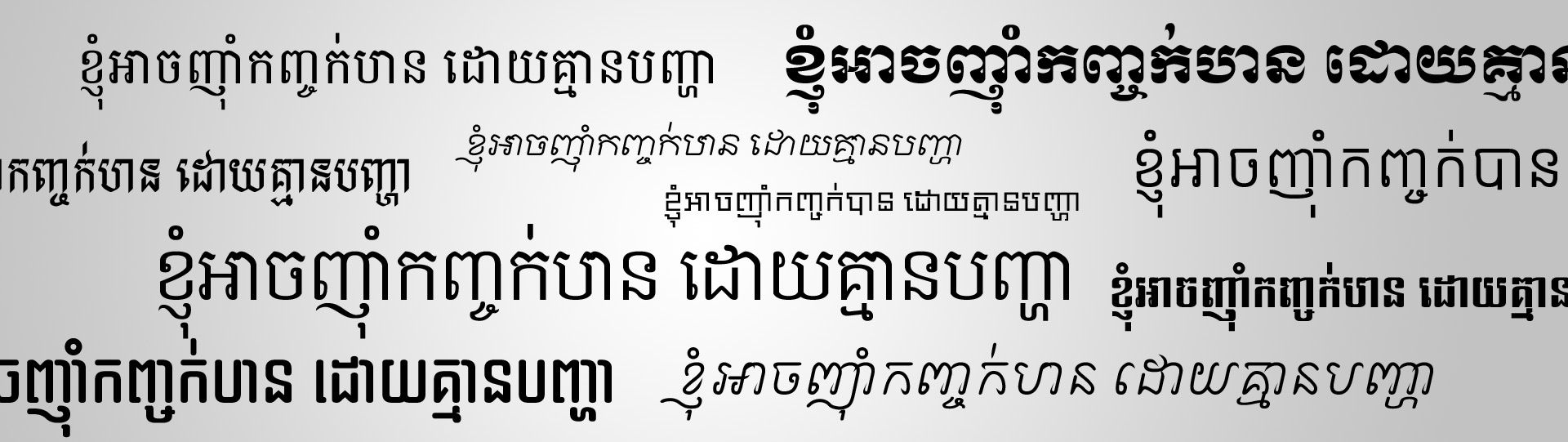
Looking around for all the available Khmer Unicode fonts can be time consuming, so we have created this zip archive so that you can download all the known Khmer Unicode fonts all-in-one. To preview the fonts you can view this pdf showing all the font names and a sample Khmer text. Enjoy!
DOWNLOAD: Khmer Unicode Fonts All-In-One
This is a free font made by Danh Hong available on the Google’s Font Directory.
DOWNLOAD: Hanuman Font for Khmer
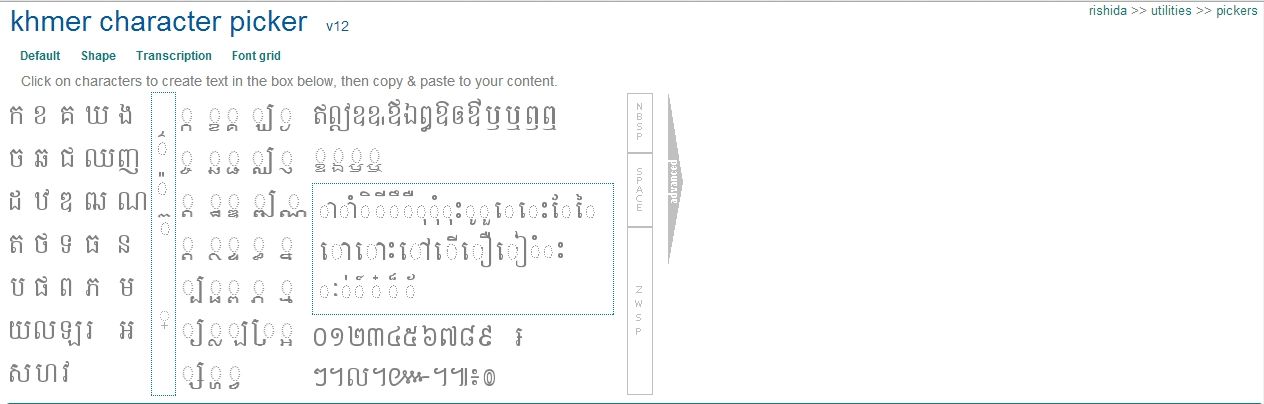
Here is a great tool to help those of you who don’t quite have a handle on Khmer Unicode, or if you are at a computer that has not yet installed Khmer Unicode. Using JavaScript, Richard Ishida (the internationalization lead at the W3C) has put together a Khmer Unicode Character Picker that allows you to type Khmer Unicode simply by selecting the character you want with your mouse.
Visit: Khmer Character Picker
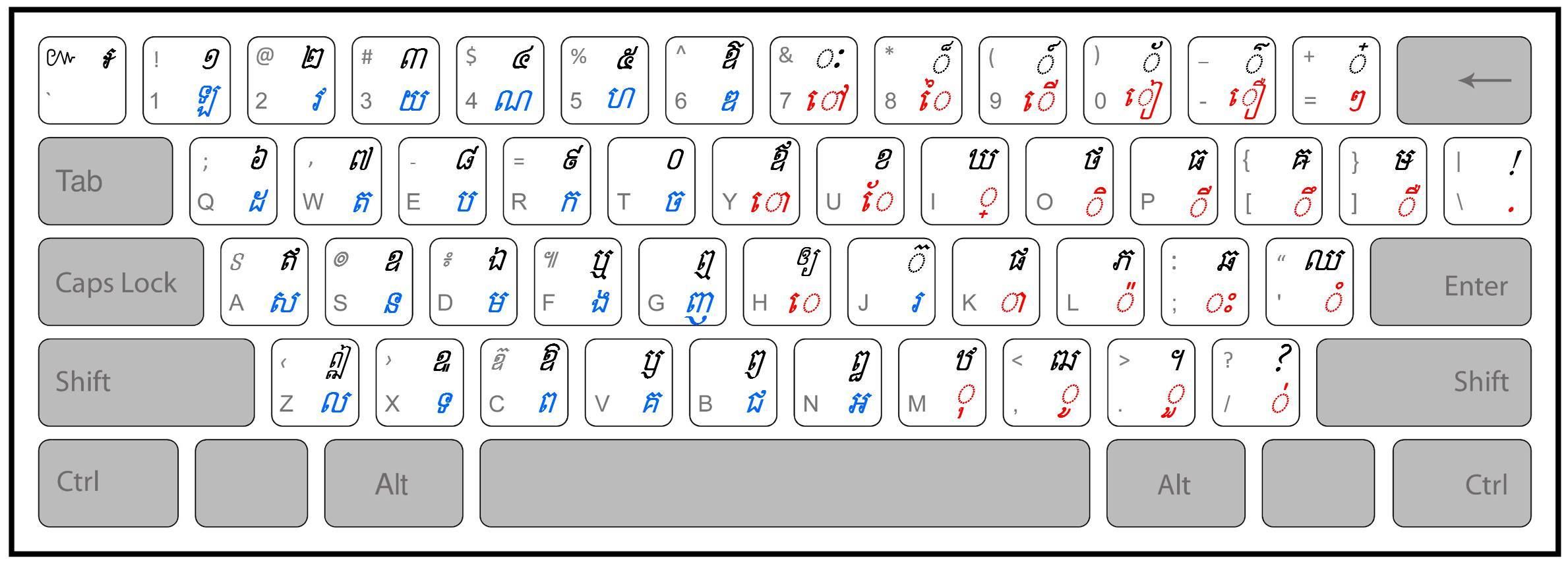
This keyboard includes some additions that we felt were needed so we didn’t have to switch between an English keyboard to get certain symbols. We added a colon symbol (“:” with right ALT+L or OPTION+L on Mac) as well as a dash (“-” with right ALT+D or OPTION +D on Mac). Also this release supports Mac OS X and 64-bit Windows systems as well as 32-bit (for those of you who had trouble installing Khmer Unicode on a 64-bit system this keyboard installer should make it work). The keyboard is based on the Khmer OS and NiDA keyboard and edited with Microsoft Keyboard Layout Editor (a free download). If you would like to make your own custom keyboard in Windows click here to download the source file.
For MAC OSX:
DOWNLOAD: SBBIC Keyboard 1.0 64-bit and 32-bit Windows Installer
DOWNLOAD: SBBIC Keyboard 1.0 for Mac OS X
If you would like to create your own custom Khmer Unicode Keyboard you can download this source file to be used with Microsoft Keyboard Layout Creator.
Download: SBBIC Khmer Unicode Keyboard Layout for Microsoft Keyboard Layout Creator
This program must be installed in order to enable Khmer Unicode on your computer. It also comes with some basic Khmer fonts. Khmer Unicode allows Khmer to be written according to how it is pronounced rather than according to letter order. You can install the fonts and files needed to use Khmer Unicode downloading the installer.
In order to use Khmer Unicode in Windows XP you need to have an updated version of usp10.dll In order to get this you can download this file and then unzip it and then unzip the file called usp.cab after which you will see a compatible usp10.dll to point the Khmer Unicode Installer to when it prompts for it. After installing Khmer Unicode, enable complex script support in Windows XP by going to: Control Panel: Regional and Language Options: Click the Languages tab: check the “Install files for complex script…” for FAQ on installation issues from the Khmer OS web site click here
This is an installer that installs the PAN Khmer Unicode fonts and keyboard layout.
Download: PAN Khmer Smart Typing Currently Unavailable. Click here for available PAN outputs: PAN Cambodia
Use this program to edit and create your own keyboard layout. Please be sure that if you edit someone else’s keyboard to name it something other than what it was originally named.
Download: http://msdn.microsoft.com
This is an excellent site that has collected all the known Khmer Unicode fonts into one place so that you can sample and then download the ones you desire.